

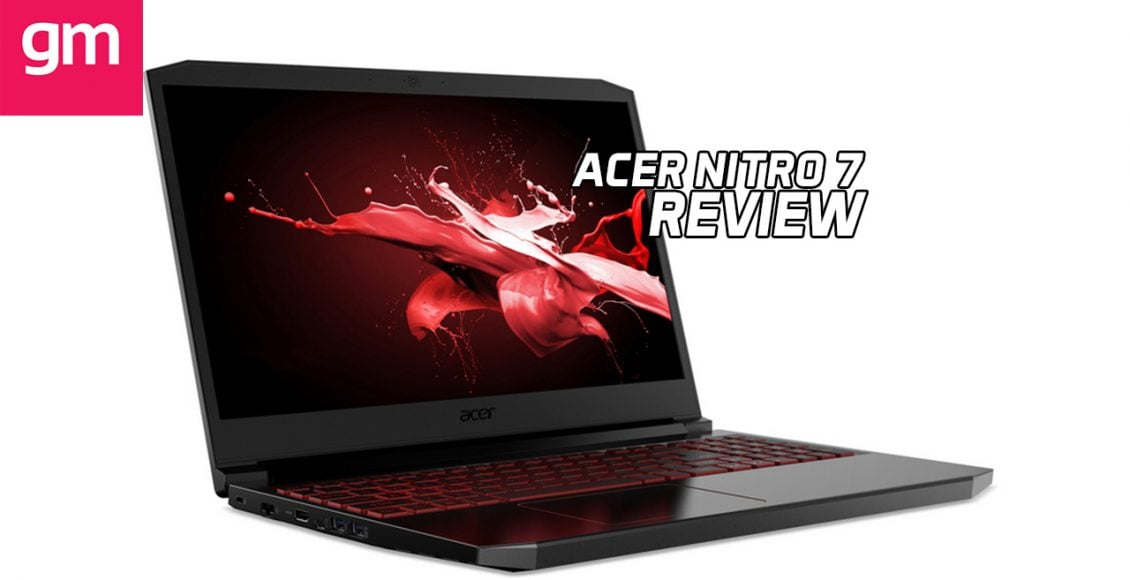
Acer has been investing a lot on its premium gaming brand Predator over the years, but they have not forgotten the folks that cannot afford such luxury, but still willing to pay for a gaming laptop. Last year’s Nitro line was nice, and this year Acer is expanding it with the Nitro 7.
The Acer Nitro 7 is poised as the ultimate spec for a gaming laptop short of having an RTX card. A highly competent mid-ranger, competing with the ROG Strix G.
Is it any good? Yes.
Does it have a few unfavourable quirks? Unfortunately, yes.

Hardware
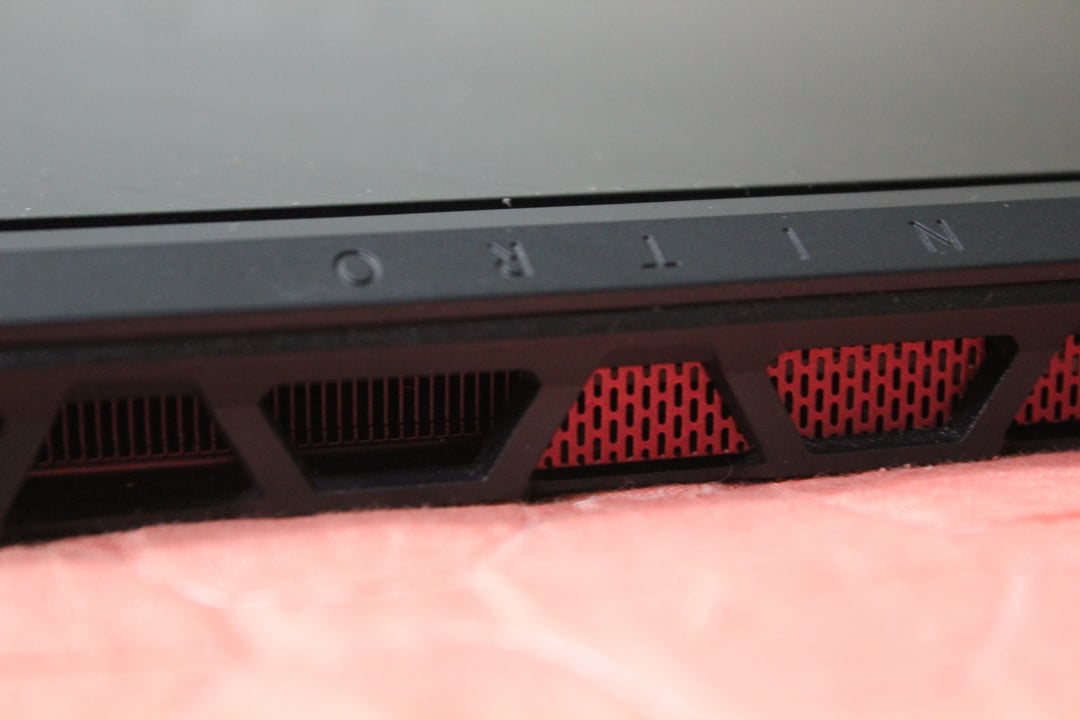
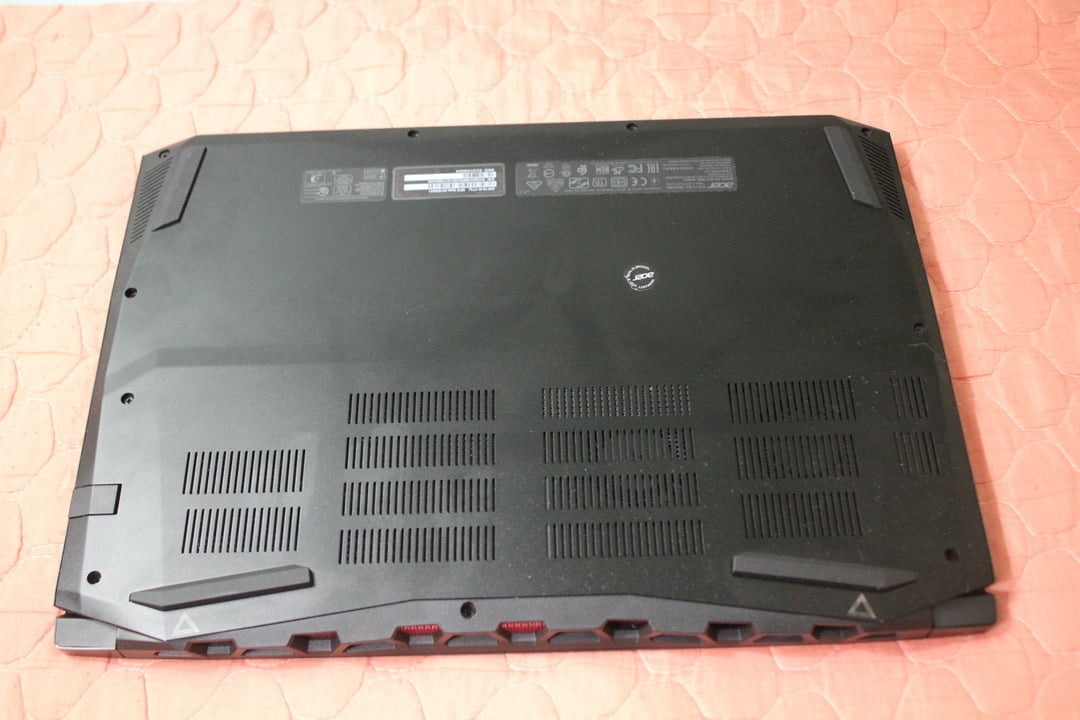
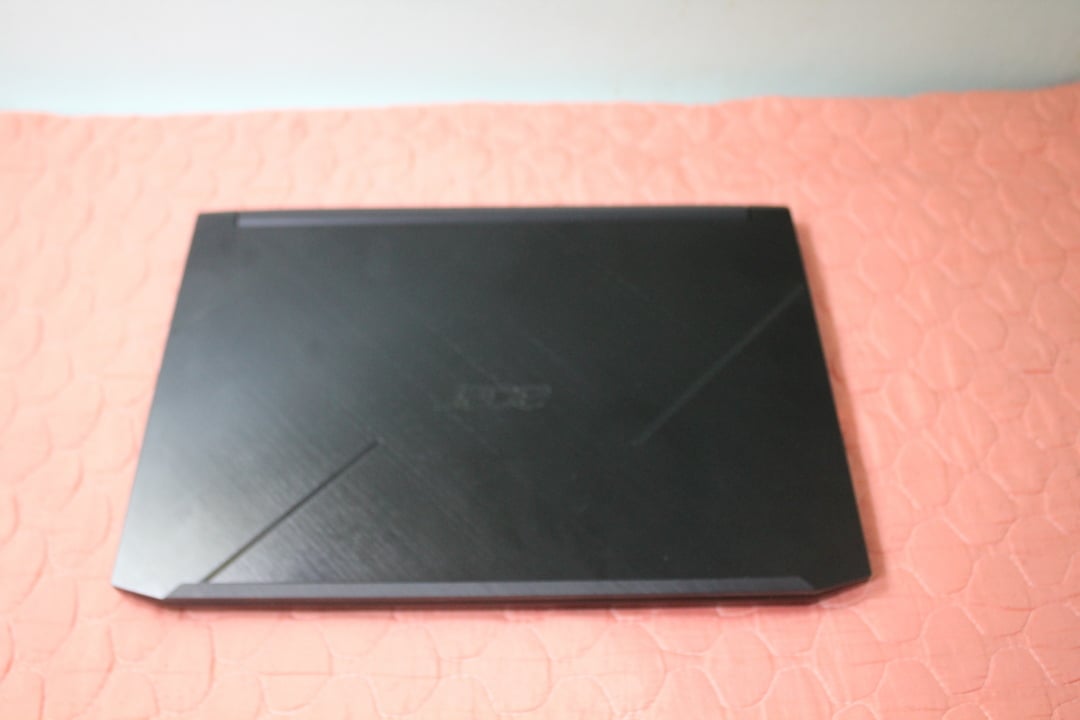
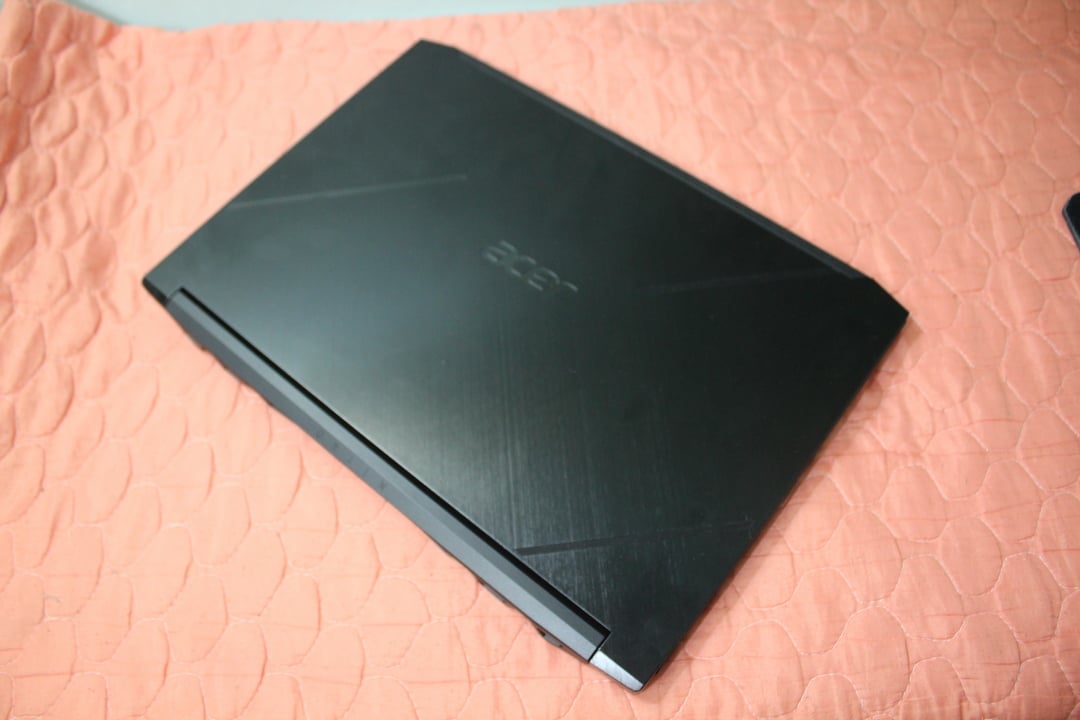
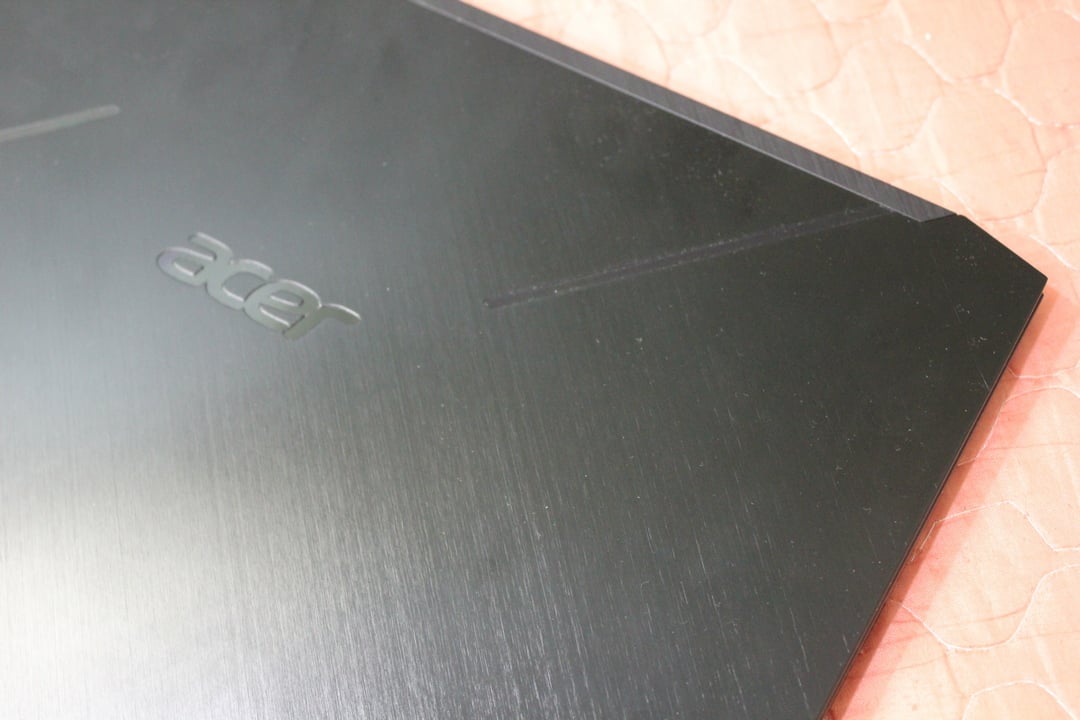
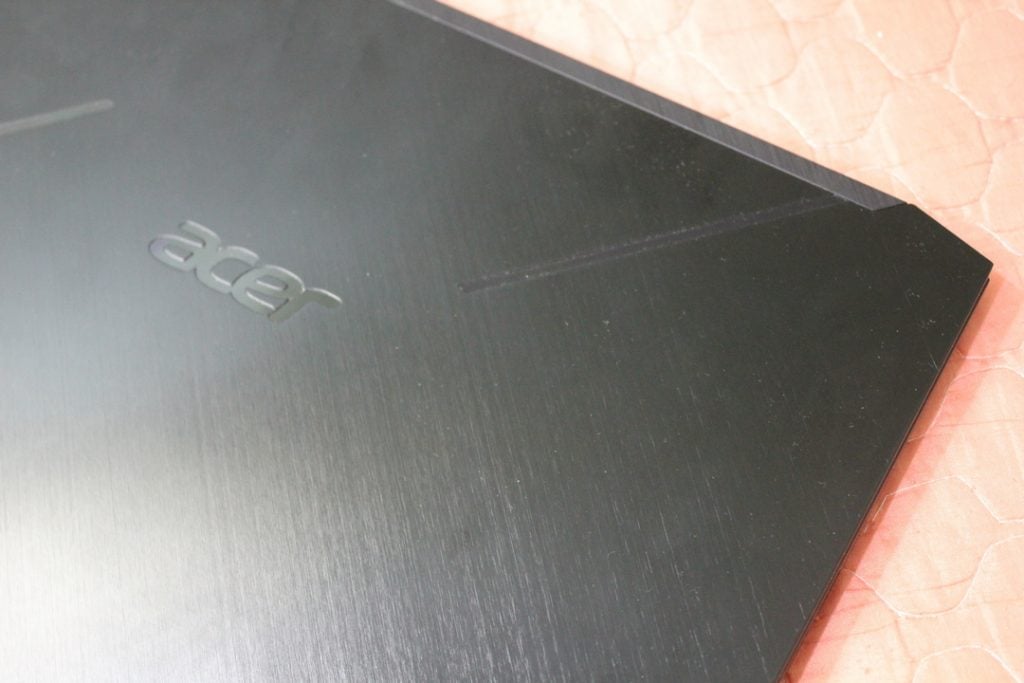
The Acer Nitro 7 is one hunk of a laptop. It’s not the size, it’s the feel and weight it has. The refreshed design for the 2019 Nitro line is subtle. From the front with the lid closed down, it’s just a black laptop. Look at the back and you can see red trimmings on the grill. Only half of those are functional, by the way, a point we’ll bring up later.
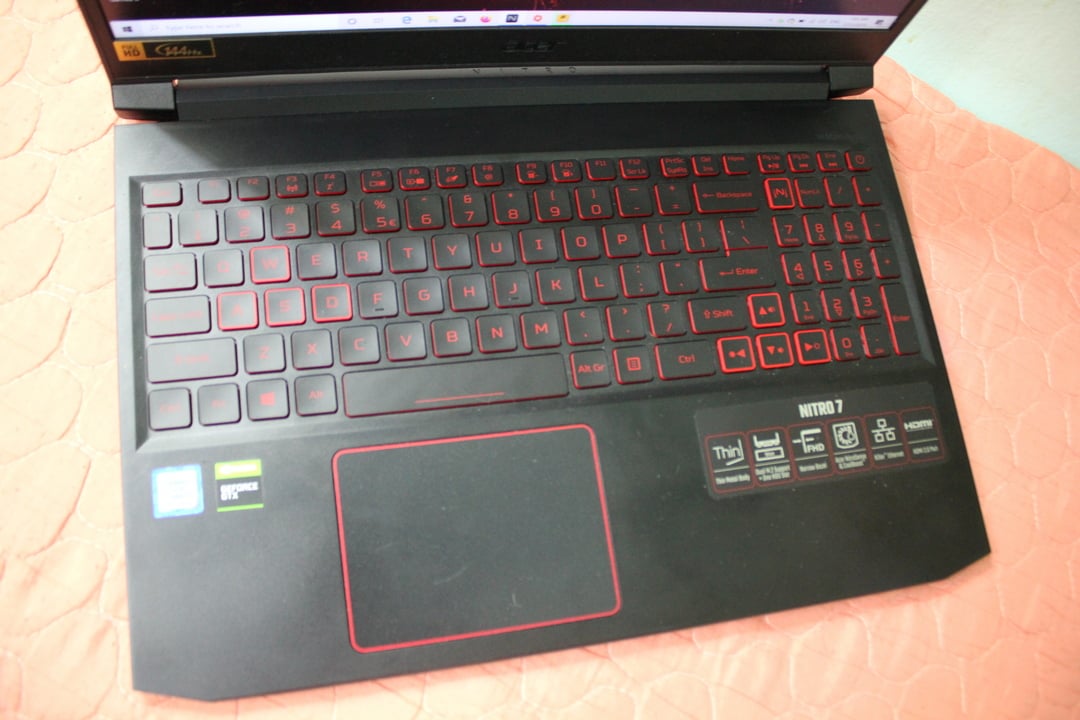
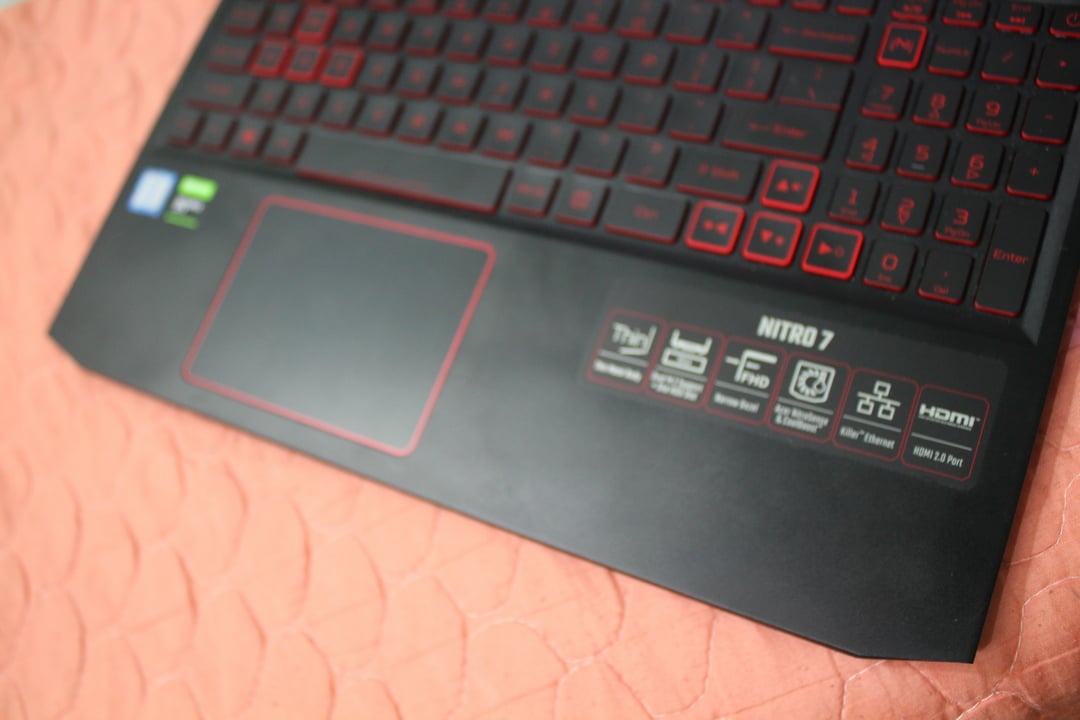
Open it up and then you’ll see all the gamer red trimming this line is known for. No RGB keyboard here, just a red backlight with red accented keys.
The Nitro 7’s chassis feels sturdy, hefty and at a quality you’d expect from a RM4,000+ laptop. As long as you like gamer red, the Acer Nitro 7 is a classy laptop to lug around in public.
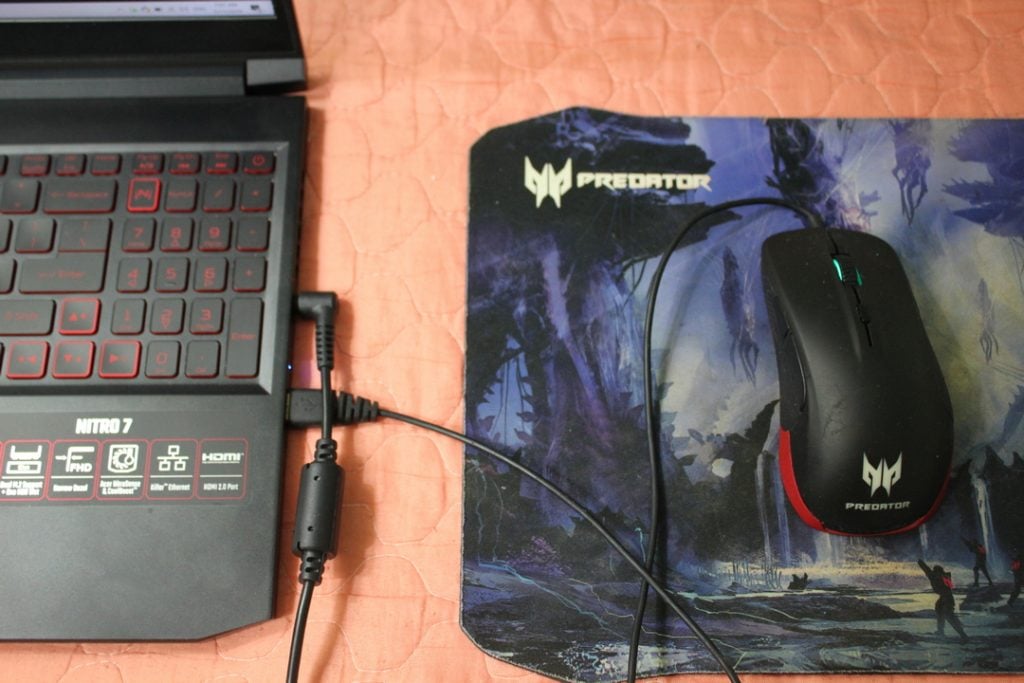
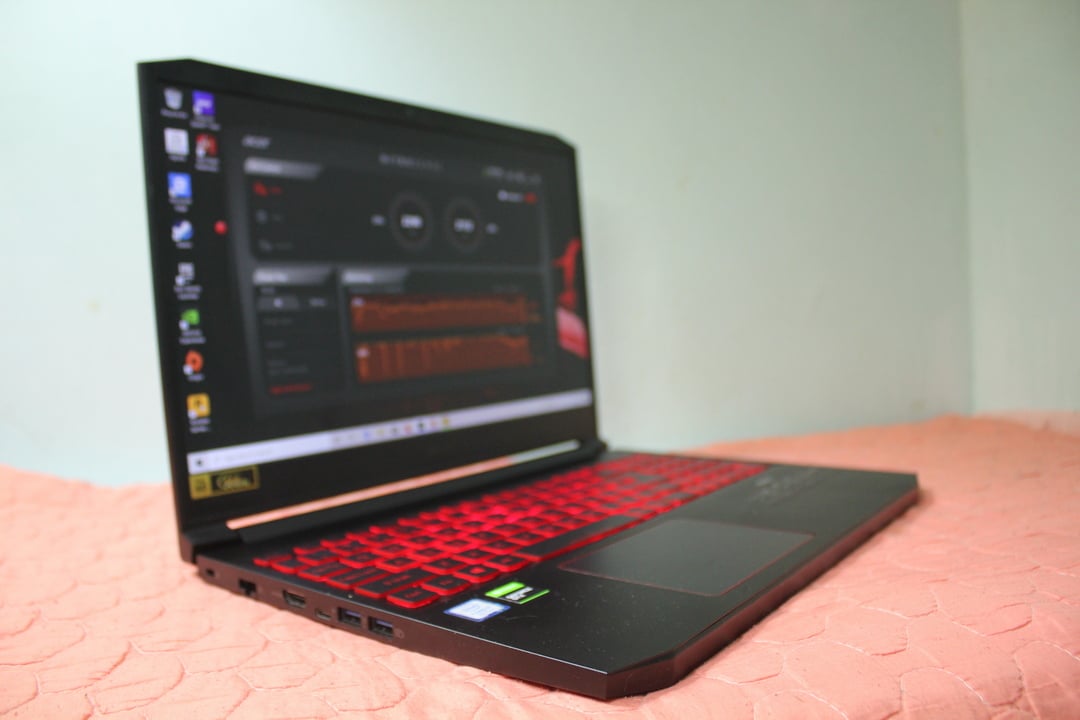
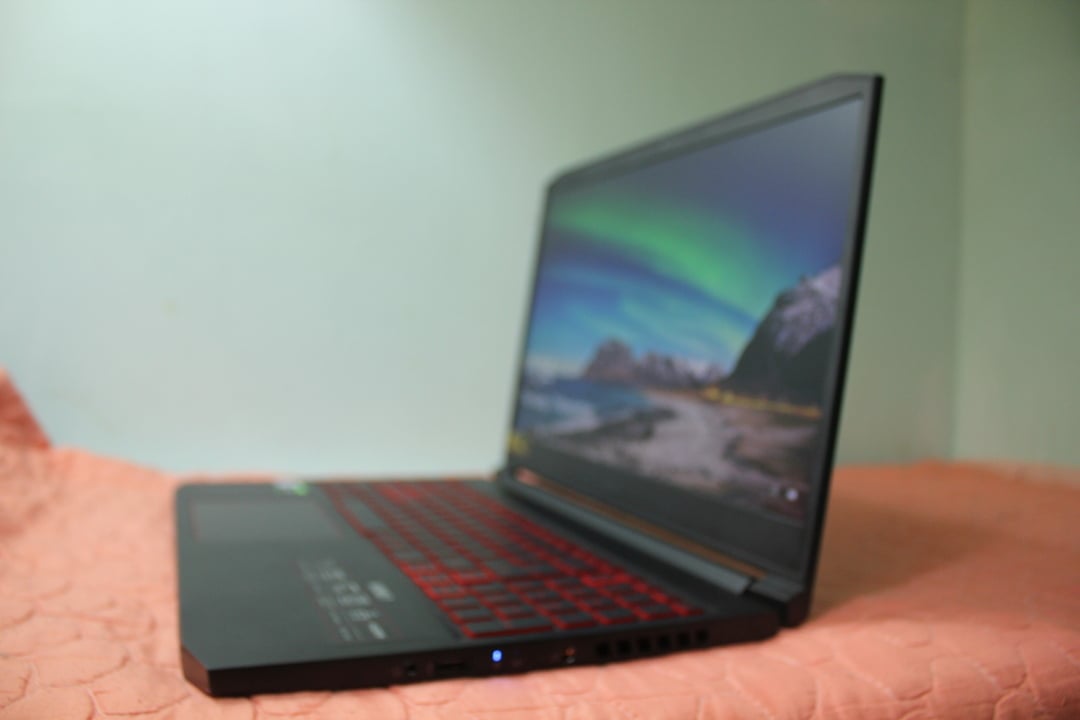
It has one odd quirk, however. All the ports are on the sides. That’s normal in today’s gaming laptop design. But with no ports on the back as well- Acer likes to dedicate the whole back for the grill even if only half of it is functional- the A/C power port has to be placed somewhere rather awkward.
As you can see from the picture above, the power adapter cord really has no elegant placement. Sure you can pull it up but that blocks the heat vent. Placing it away from the heat vent and, well, if you have a wired mouse and right-handed you’ll have an annoying cable crossing like this.
Not a total deal-breaker, but a quirk we want to point out with the design.

Software
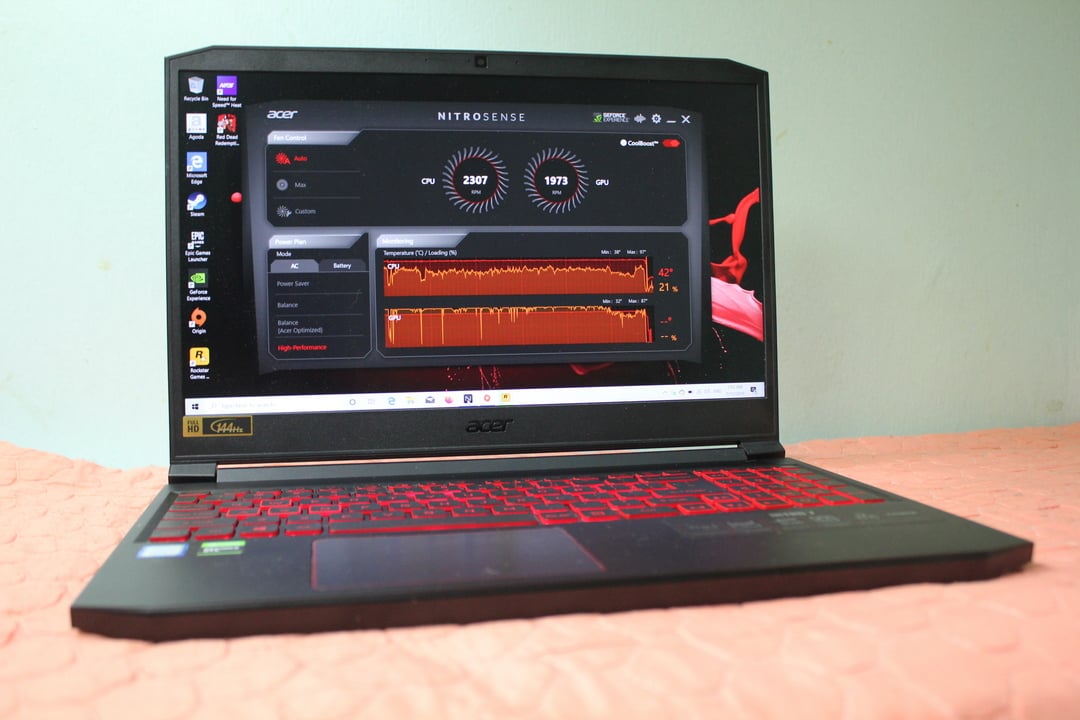
On the software side, it’s the usual Acer/Predator flair. You’ll get the Nitrosense app which is the one-stop-shop for configuring extra features. But it’s only useful for ramping up the cooling fan and looking at the CPU and GPU performance/temperature. Not to say it’s not useful, but it comes standard these days. Nothing too crazy.

Gaming Performance
On paper, this is the best gaming laptop spec if you are not counting Nvidia RTX GPUs on the list. It’s the absolute limit of the current available CPU/GPU combo in the market. Here’s the specs for the AN715-51-773J, the model of this review unit:
- CPU Intel Core i7-9750H
- GPU: Nvidia GeForce GTX 1660Ti 6GB
- RAM: 8GB
- Storage: 256GB SSD
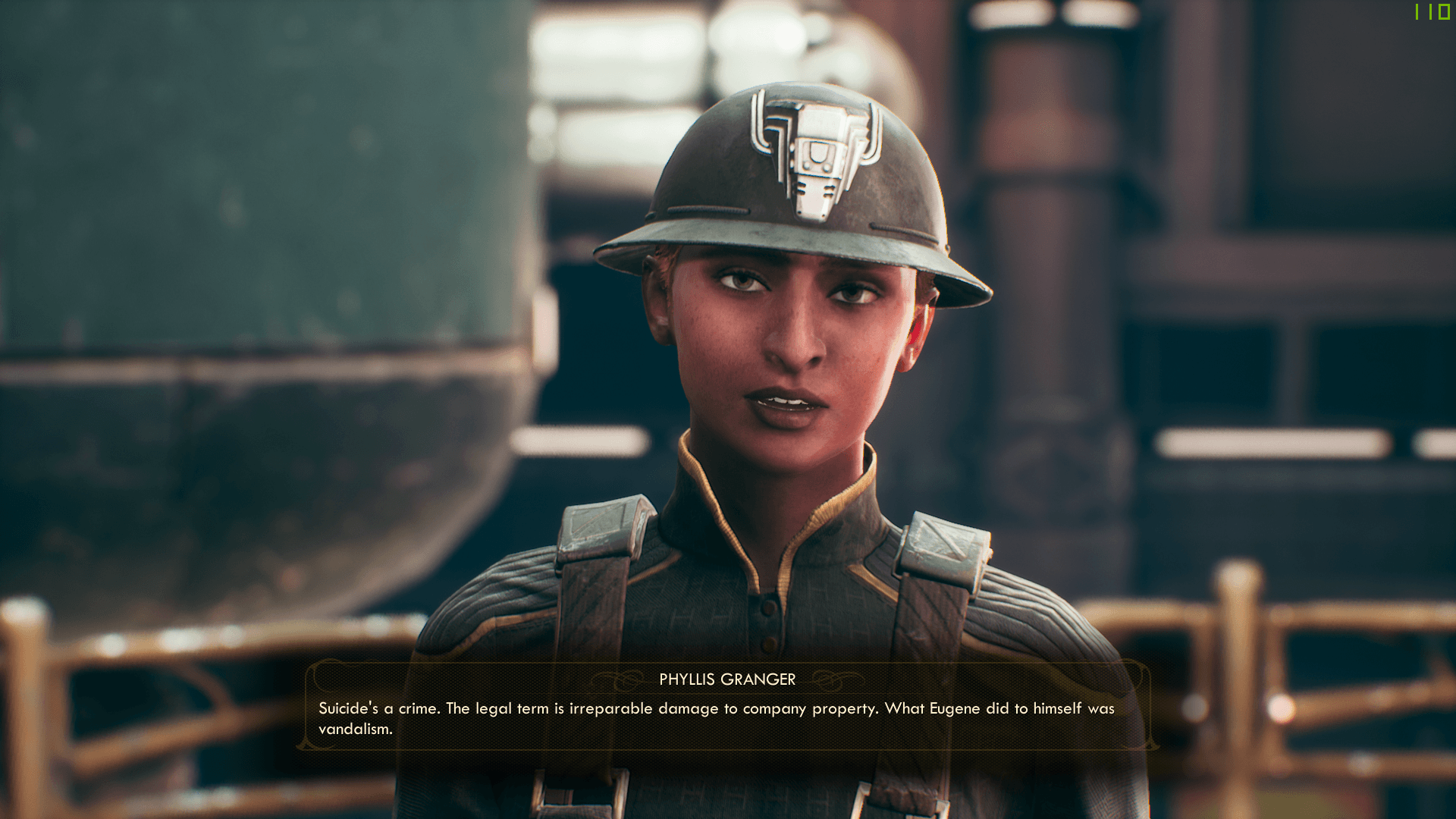
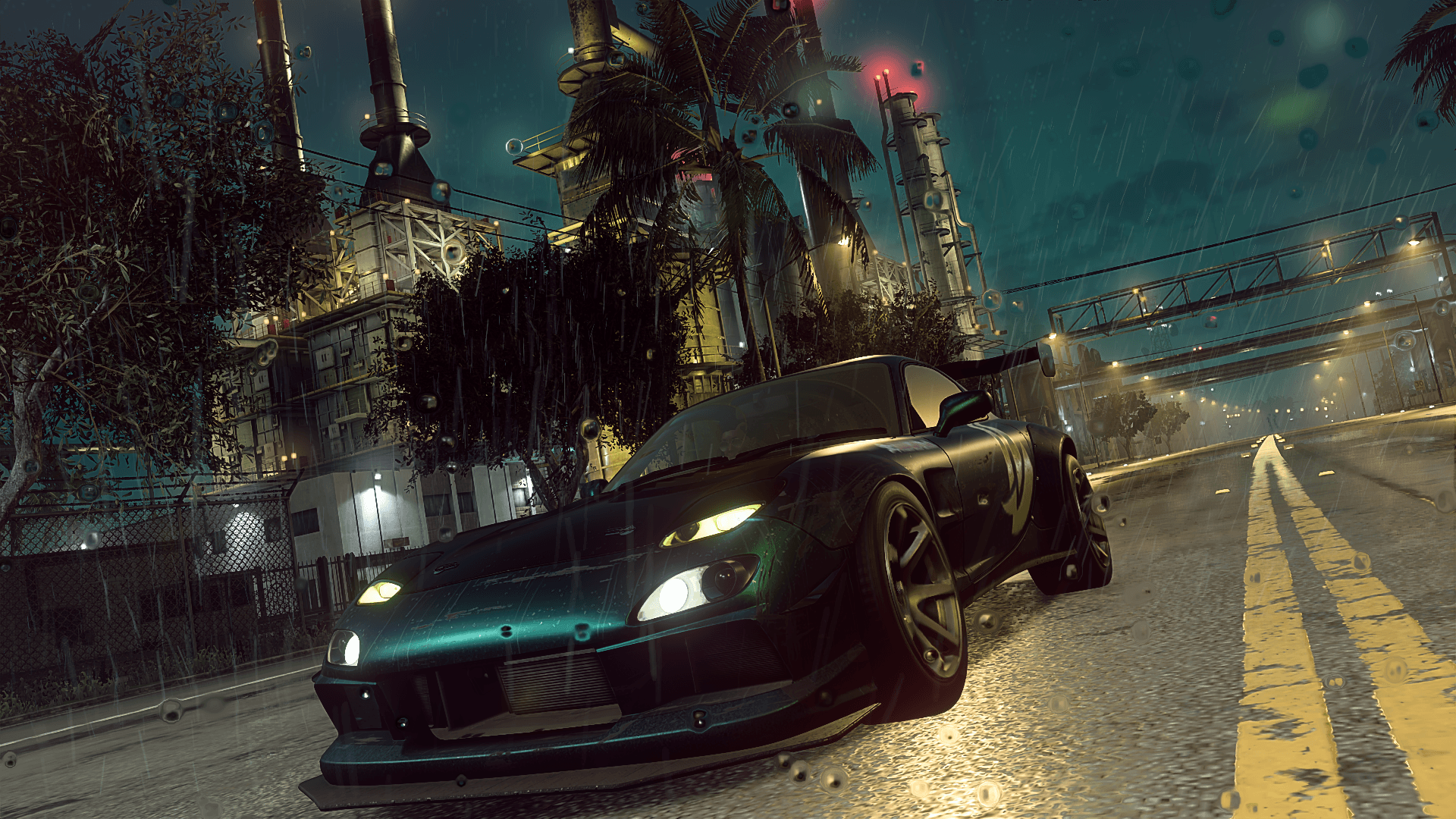
It goes to no surprise that this thing can handle a lot of games. Including the recent releases. The Outer Worlds and Need For Speed Heat are playable above the 30fps mark, but they don’t hit a lock 60fps. Red Dead Redemption II can easily run on 60fps in the balance settings, and definitely can be pushed into toggling a few settings on high.
Most of the usual benchmark games also hit the same performance as the review unit we had of the ROG Strix G, as the two have the same CPU/GPU combo. Do refer that to that for other benchmark impressions, it applies to the Acer Nitro 7 as well.
The display is great as you would expect. Colours pop and have a decent viewing angle, as you’d expect from this current crops of gaming laptops.
But in terms of the cooling, this laptop is a bit too hot for my liking. All of the cooling vents are on the front-right and right side of the laptop (which causes the messy cabling pointed out earlier). None on the left.
That should be fine if that does the job in keeping it cool. Unfortunately, it doesn’t.
It’s not the case of Acer’s patented cooler fans not doing the job. It’s more that the heat sinks couldn’t get the heat out of the left side fast enough. The Nitro 7’s chassis feels like its struggling to keep things cool.
Temperature does get to 90 degrees Celcius, but you won’t know that if you just rest your hand on the right side. Your left fingers that are glued to the WASD keys will be envious, as that side can get uncomfortably hot at times.
Another point of complaint is the fairly minuscule storage size. The Nitro 7 only has a 256GB SSD. SSD is great, Windows run fast and loading times definitely feel faster. But with new games having a bigger storage footprint these days, you couldn’t fit that much natively on the laptop. Red Dead is around 115GB. Destiny 2 needed 70GB.
Value
This particular model, in 2020, has been discontinued. And this is due to Acer selling the AN715-51-79AU, which is the same Nitro 7 but with 512GB by default.
This section would have been us recommending getting that instead of this particular model, especially since it is priced the same: RM5199.
Essentially, if you are reading this now and only now thinking of getting a Nitro 7- good news- you’re getting a better deal. At this price point, it’s reasonable.
There is a cheaper Nitro 7, but less powerful specs (and probably more reasonable temperatures) at around RM4,499 for comparison.
Do note that if you care about those RGB lighting, there are other brands that offer that with this spec, but a tad higher price.
Verdict
There’s plenty of contenders in the RM5000 range for gaming laptops. The Acer Nitro 7 doesn’t have anything that jumps out from the rest of the pack. But that maybe is the point. A solid gaming laptop that feels really nice and does its job with running games on high settings at reasonable framerates.
And in 2020, Acer rectified our complaints of a small SSD. It’s not enough still, but we’re glad this higher-end Nitro 7 is getting the specs it deserves, while still maintaining that mid-to-high price range.
Just… mind the heat.
Acer Nitro 7 (2019)
The Acer Nitro 7 doesn't have anything that jumps out from the rest of the pack. But that maybe is the point. A solid gaming laptop that feels really nice and does its job with running games on high settings at reasonable framerates.
- Hardware 9
- Software 8
- Gaming Performance 8
- Value 8