

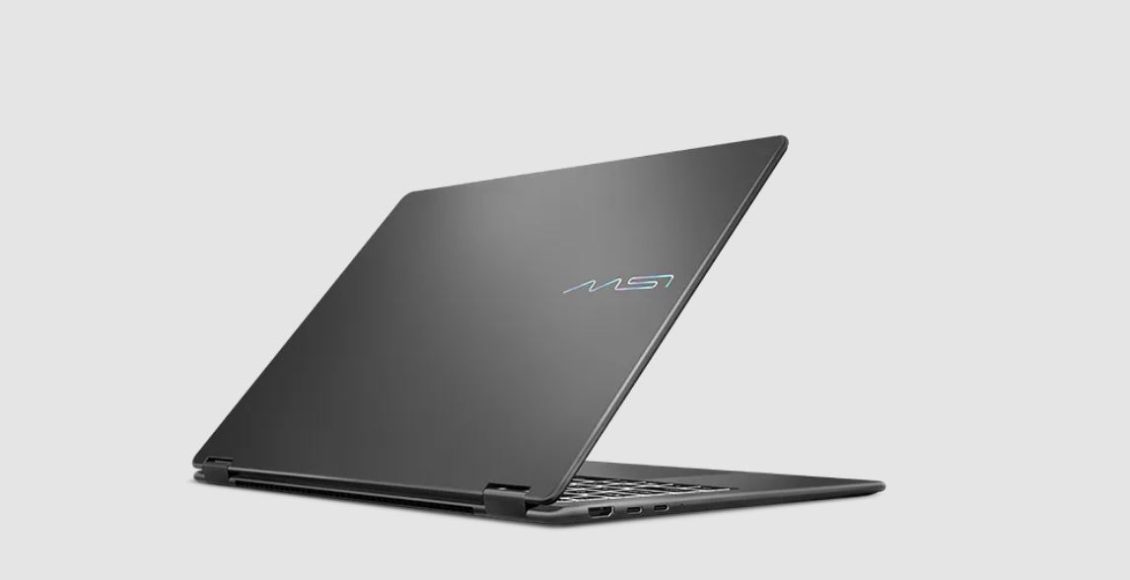
As far as the laptop market is concerned, slimmer means compromises and perhaps even less power that’s not really fitted for anything gaming that’s above Indie games.
But not the MSI Prestige 14. It has the looks of an office one but has the Guts that can effortlessly run Cyberpunk, amongst others. And it can flip itself into positions that I myself couldn’t do.
So, it’s beefy and flexible, so what do I think about it? It’s quite astounding.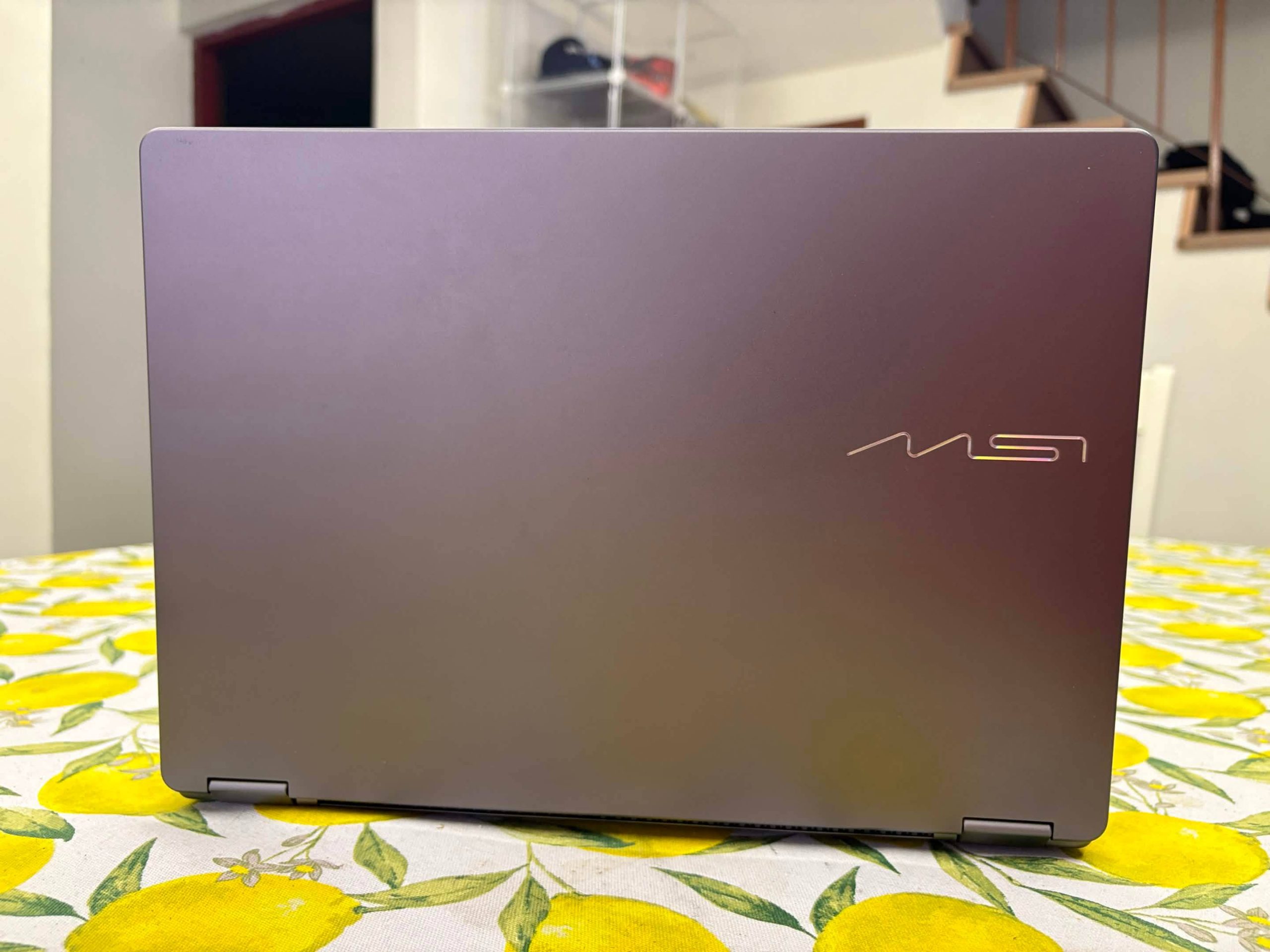
Hardware
Review Unit Specifications:
- CPU: Intel Core Ultra X7 358H Processor
- Graphics: Intel Arc Graphics (12 GB VRAM Shared)
- Display: 14” FHD+ (1920×1200), OLED Touchscreen
- Memory: 32GB LPDDR5x RAM (onboard)
- Storage: 1TB NVMe SSD PCIe Gen4
- Expected Price: USD 1,299.00 (Around 6,999 MYR)
At 1.39kg, it’s one of few lighter laptops on the market, even within business laptop standards, and boy, does it pack its horsepower underneath, which is primarily for AI computing, but being powered by both Intel Core Ultra X7 Processor and Intel Arc Graphic B390 GPU that has a shared VRAM of 12Gigs, which in the current markets, is no slouch for video gaming in 2026, as we’ll see later below.
This balance of both Core and Arc working together helps with it being more efficient in its battery usage, with normal Streaming viewing at 4K resolution or even normal Everyday tasks like office-work and photo-editing, takes around 15 hours in actual usage to run out of juice, which is no mean feat.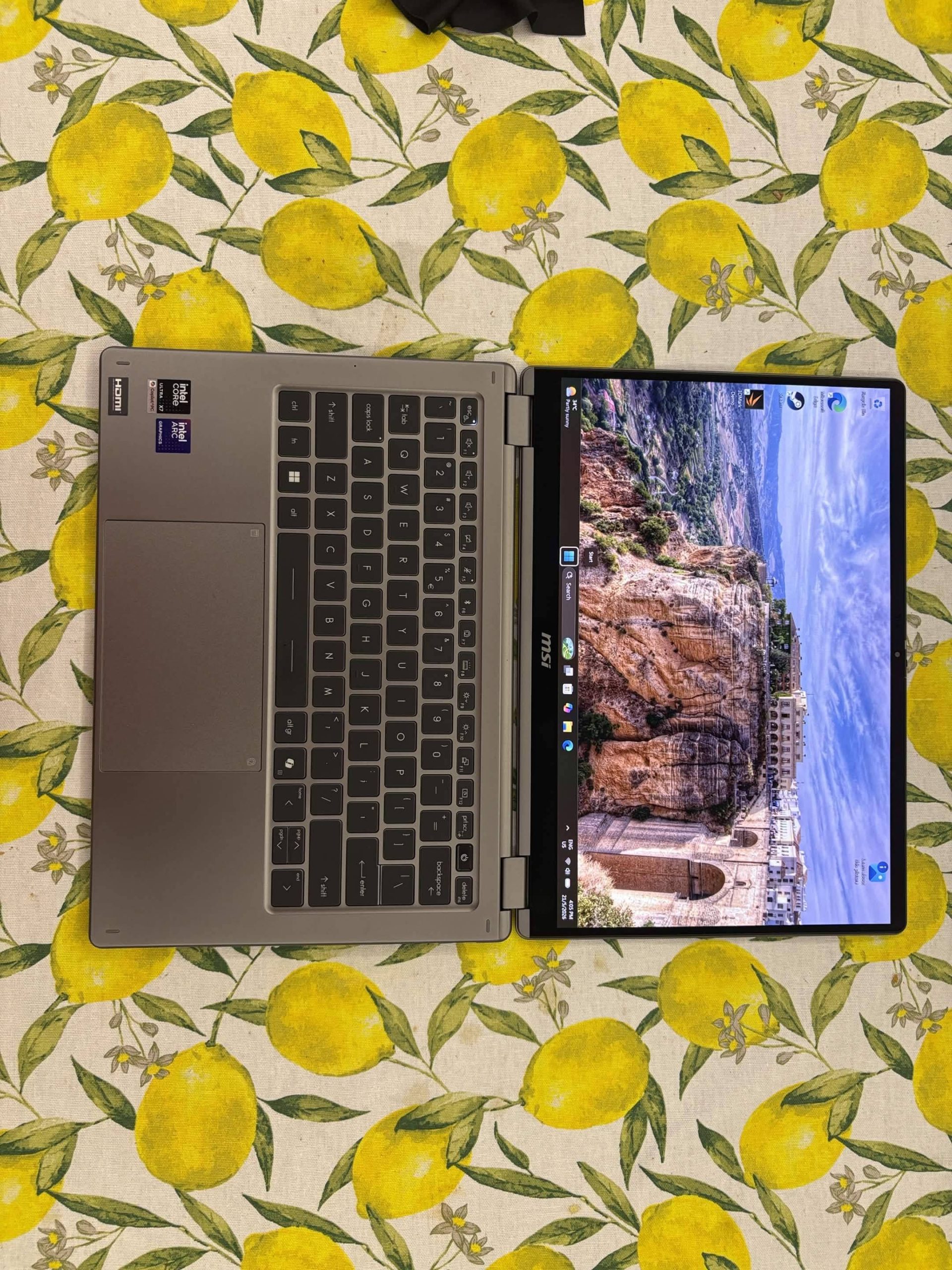
The screen is a 14-inch OLED display that outputs at a resolution of 1920×1200, which is a bit unusual of a screen size considering its at 16:10 screen but it does support touchscreen for those wanting to use it with its accompany MSI Nano Pen device and quite huge rotation range with up to 360 degrees, if you want to turn it into a tablet somehow.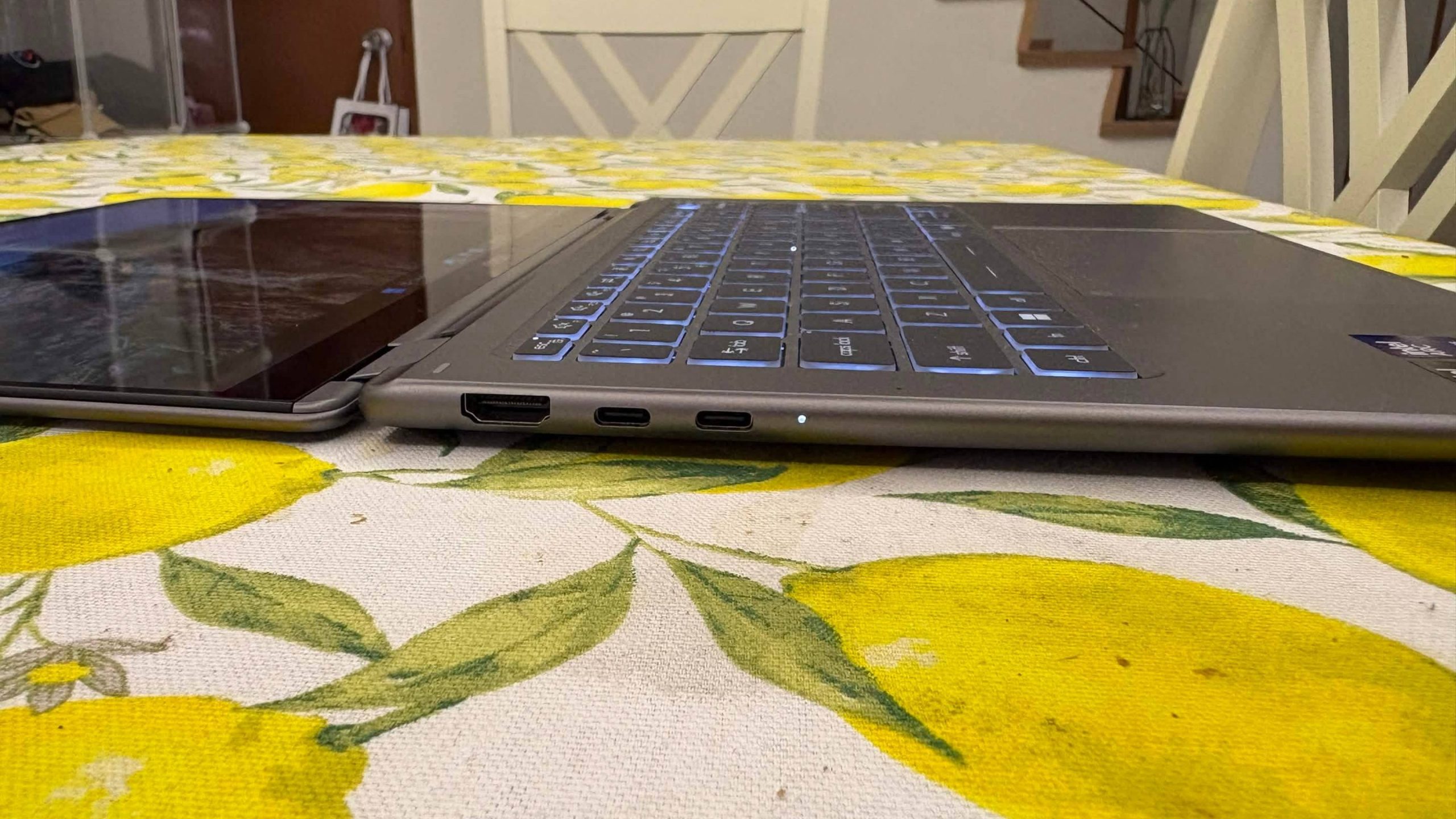
Its IO ports around the device itself consist of two Thunderbolt 4 ports (which can also be used as a DisplayPort output or Power Delivery to charge other stuff), two USB3.2 Type A ports and HDMI 2.1 port that can support 4K 120Hz or 8K 60Hz.
The heat dissipation on the keyboard area is quite even, considering how slim its design is, and it’s all thanks to the Vapour Chamber Cooler, plus Intra Flow that helps push away the heat from the top and make it move towards the bottom of the laptop. Heck, thanks to this, the fans noise is almost fully silent, even during gaming or testing segments.
Software![]()
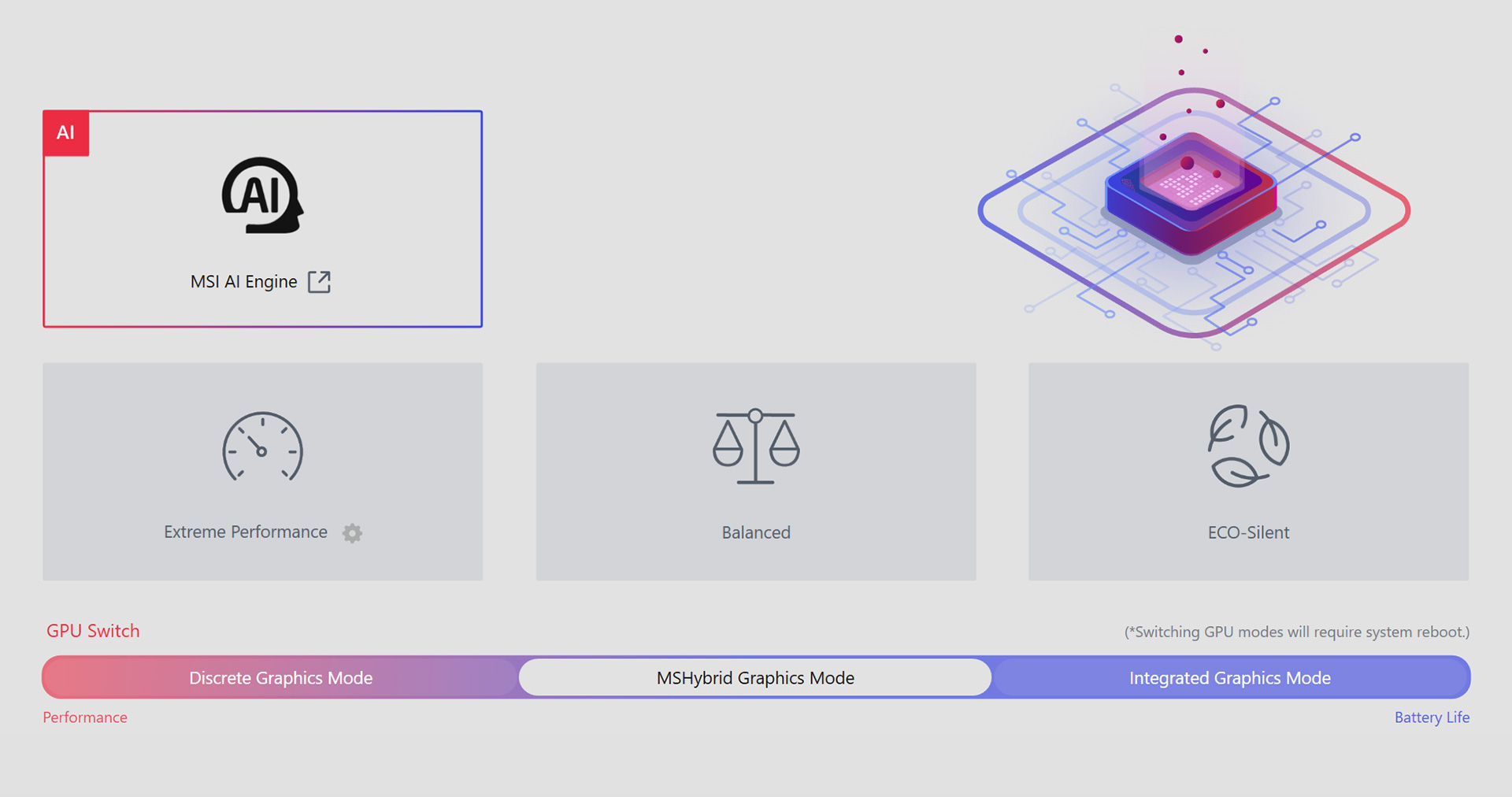
Since this isn’t a fully fledge Gaming machine, it’s software to tweak the ins and out of the laptop is handled by the MSI Center S, their version of a one-stop control panel that handles the stuff like Battery Optimization, Fan Speed, Switching to Settings that they have already setup for the Prestige for specific modes or even GPU switching from Discrete or Integrated. So, don’t really expect the likes of Overclocking anything in this one.
I also still feel that downloading Intel drivers via their website is still a bit finicky in nature, how ancient it feels at times to download updates straight without a proprietary app. But, considering my own experience with a certain GPU maker in the shade of Red and how they handle older units, I would 100% prefer this way than planned obsolescence via an app, so I guess, this is a nitpick on my end.
For its performance on the web browsing and streaming side, it does do 4K 60fps video without any noticeable frame drops and stuttering, which for those flipping it to the tablet config, could use it as a viable on-the-go streaming machine, amongst other things it can do.
Gaming Performance
As we have the power of the Intel Arc Graphics B390 GPU, the Intel Core Ultra X7 358H Processor and 32gigs of DDR5 RAM, which technically is made for the more boring side of the laptop capabilities, but it is quite capable on the 3Dmark benchmark that we use, scoring a solid 5744 score during its Steel Nomad Light test.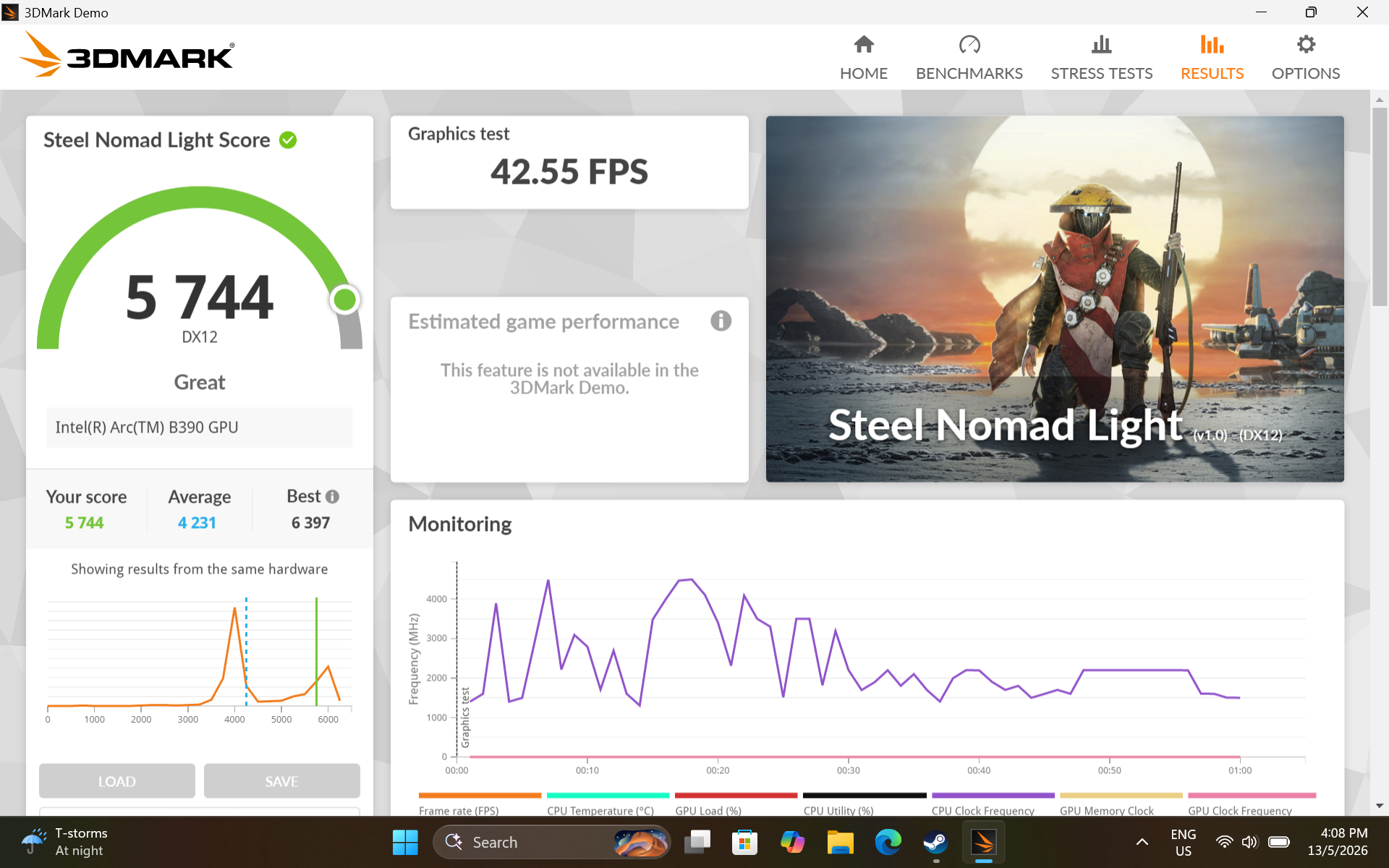
And here at the list of games we tested:
- Civilization VII
- Cyberpunk 2077 (No RT, Steam Deck Settings)
- Megabonk
- Nightingale
- Samson
- Spongebob Squarepants: Cosmic Shake
- Yakuza Kiwami (Remastered)


For Cyberpunk, the usual go to benchmark for these reviews are to see how it looks on these already bookmarked settings for the Steam Deck, as a good baseline. And without any tweaks, it gets around 40 to 50fps, with noticeable reflections already there, sans the need for RT reflections. And just some more tweaks could get you towards 60fps without any issues.
On the other side of computer power intensity, a newer game like Samson: A Tindelston Story needs more help with the more options like Frame Generation, and Super Resolution to get it into the window of playing around that same 40 to 60 fps window, which isn’t par for the course for games that doesn’t really support the Arc Graphics GPU yet.
Which surprises me that both Nightingale, and even SpongeBob: The Cosmic Shake, do have that support in the form of Intel Xe Super Sampling (or XeSS), that helps with getting solid frames during gameplay and even maintain more fidelity without compromising its graphics.
Then, for the games with lower PC recommendations, like indie-darling Megabonk, Action Brawler like Yakuza Kiwami or RTS turntables like Civilization 7, then this laptop just runs it on its highest recommendation without any noticeable frame drops to speak of.
So, my recommendation for this sort of computer is running the most games on the Lower to Medium recommended settings and it will do the job just fine while also maintaining its performance for a longer period of time.
Pricing
We’re looking at a 8,990 MYR laptop that has computing power for the likes not only tabulating the data via your Claude,Gemini and such, but can play even the biggest of games without making too much of a fuss, and noise too. This much power on a laptop that isn’t really a gaming one is quite a sight still within the current markets.
Verdict![]()
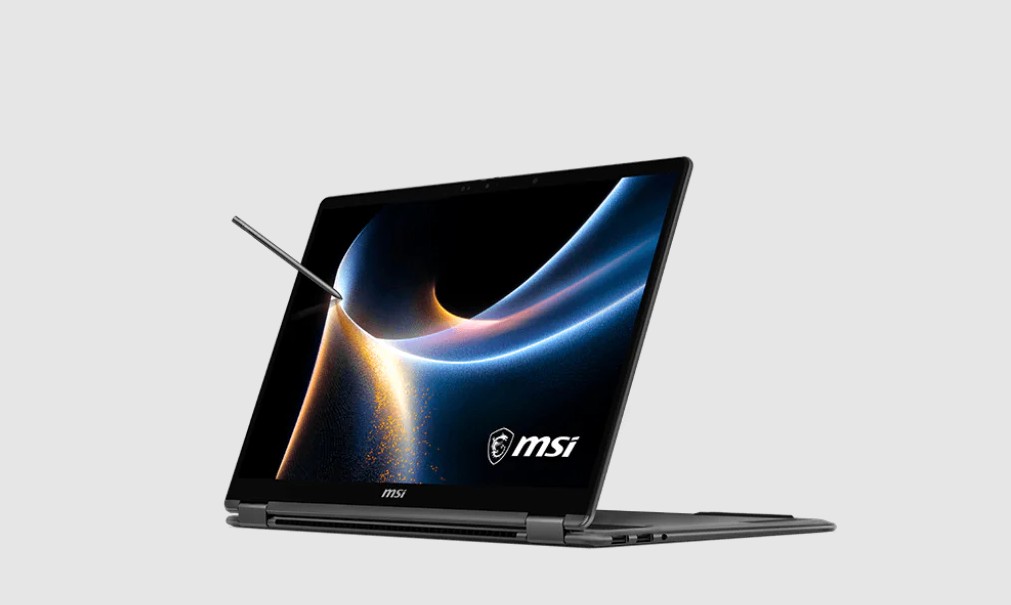
The MSI Prestige 14 Flip is one of the best laptops on the market that fits the sleeper build aesthetic. Packing power in a design that doesn’t feel out of place if you bring it around cafes and such, this laptop doesn’t disappoint the moniker that it has been given, quite a “Prestige” of a laptop this one is, should you get it.
One of the best laptops on the market that fits the sleeper build aesthetic. Packing power in a design that doesn’t feel out of place if you bring it around cafes.
- Build Quality 9.5
- Gameplay Performance 9.5
- Value 8